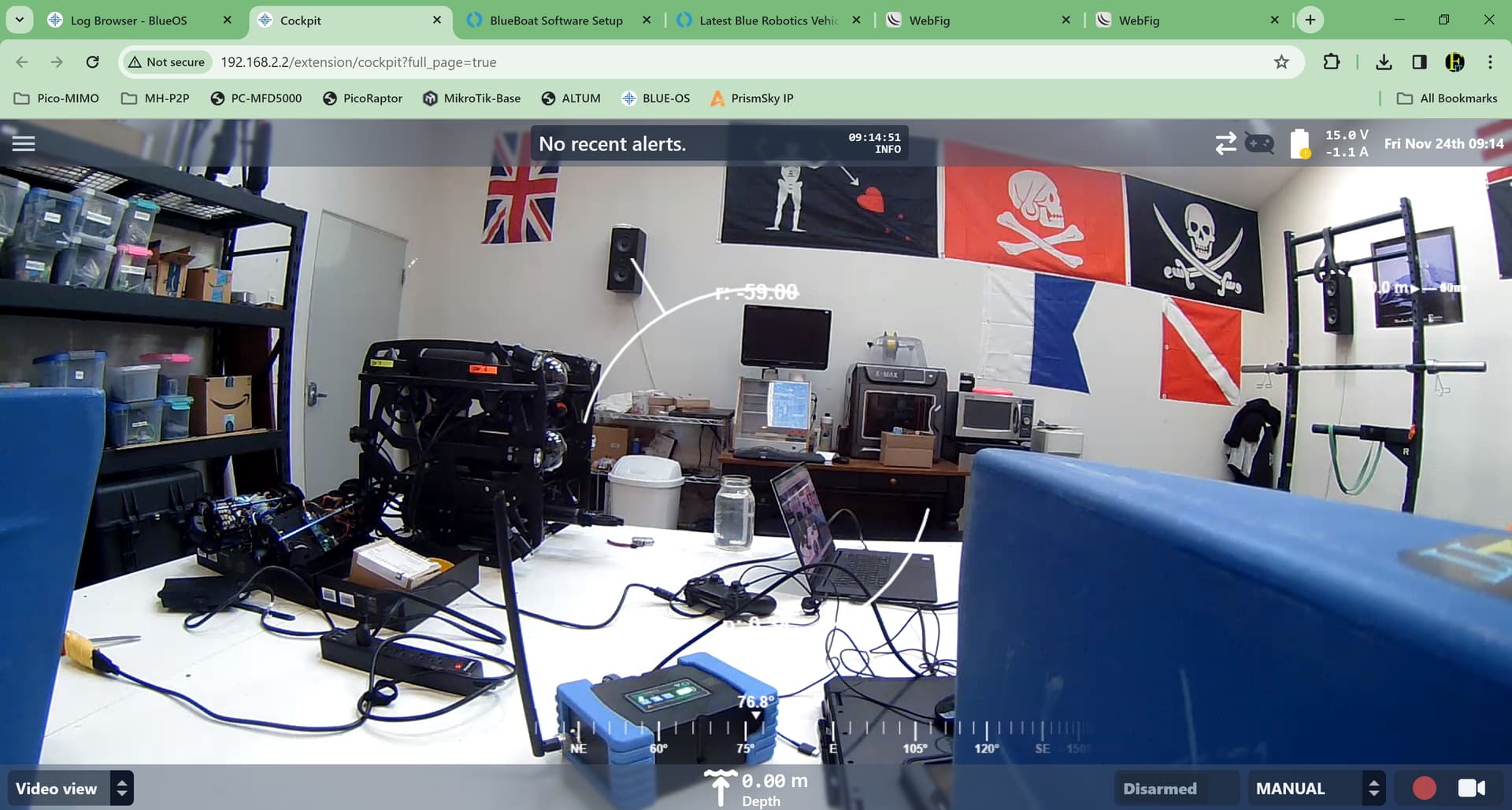
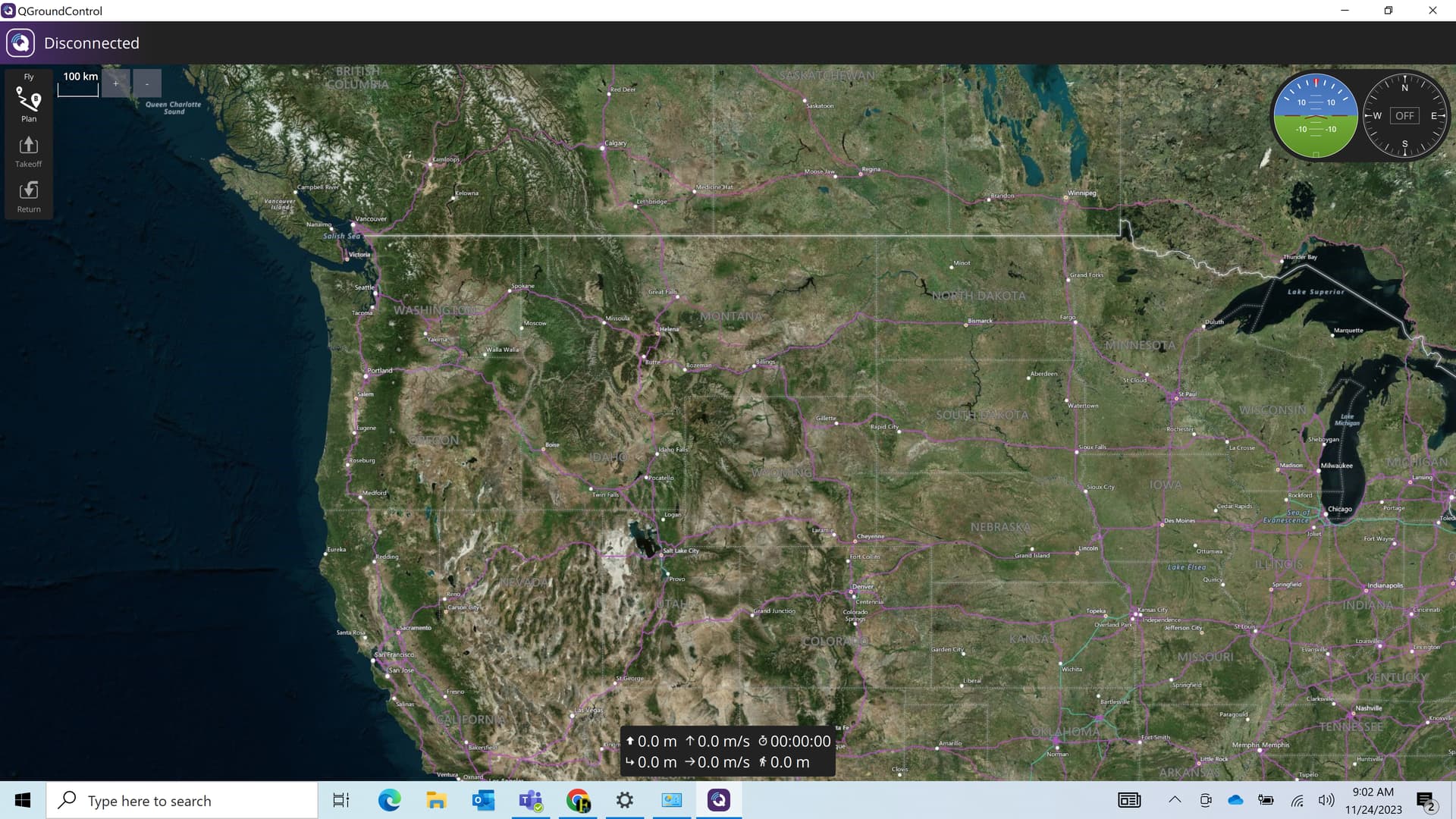
Greetings all, I have just gone through the setup for the blueboat and I have everything connected per the manual. I can connect to BlueOS and both radios in a browser and cockpit will open. I attached a USB camera that I had in the shop to see how it
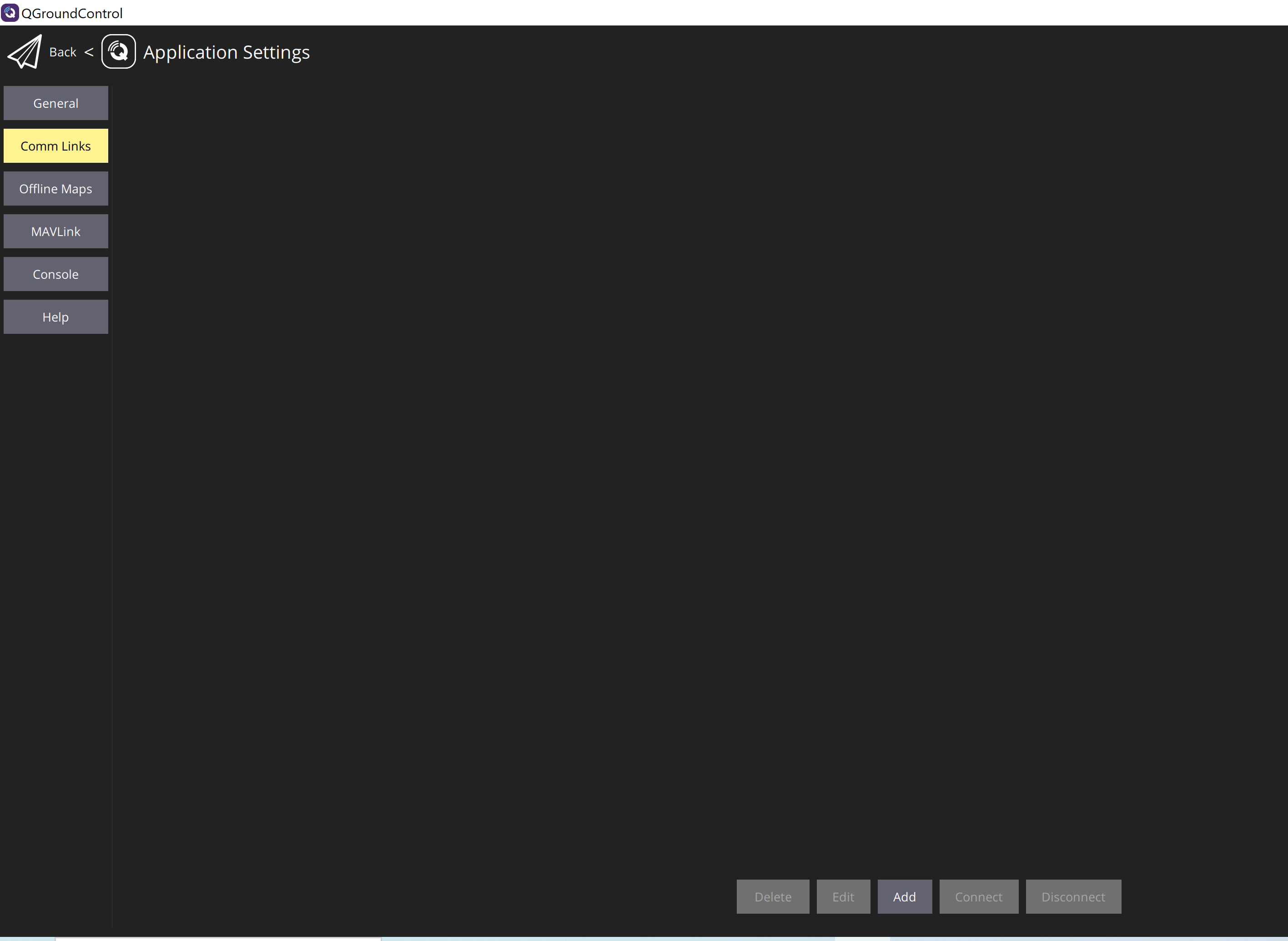
Does anyone know if it is a TCP or UDP connection to the blueboat, and if so could you share your settings with me so I can finish setup in QGC? Thanks!
Check your firewall settings for the QGC app in Windows firewall settings for what ever the network type is for the network adapter used (private or public).
That would explain why it works in Cockpit but not QGC.
Greetings Matthew,
I have the settings on my firewall per the guide to allow the communication through. I have tested this on two different laptops and QGC does not connect, one of them is the laptop we use with our BlueROVs that connects automatically. I have even turned the windows firewall completely off as well and I can get cockpit to show but nothing in QGC…Any other ideas? In QGC do you have anything in your Comm Links?
I got some help from BlueRobotics support staff (thanks Tony)…I had my computer static IP set to 192.168.2.110, after changing back to 192.168.2.1 then everything connected in QGC.
We are having a similar issue at the moment with our BlueBoat. Apologies to revive this thread but rather than making a new one, this seems to be the most similar.
We have version 1.4.3 BlueOS, and 4.6.2 ArduRover.
We can get a connection directly to BlueOS on 192.168.2.2 and we get a connection in Cockpit.
However, when we connect QGC we do not get a link to the BlueBoat. We are using the version of QGC recommended from the BlueBoat startup guide.
We tested on Linux and Windows, on 3 devices. We tested other versions of QGC also. The firewall doesnt seem to be the issue as we had a connection to the BlueBoat in QGC previously.
We have also tried the wifi link and the ethernet link for the blueboat reciever.
I did get connection when I updated the ArduRover Firmware, with the version of QGC in the guide. But then upon siwtching devices and rebooting the BlueBoat in between, none of the devices can get a connection with QGC.
Hi @plavo
If you get connection with cockpit but not QGC, the issue is likely your computers configured IP address on the connection to the Base Station! Verify it is the correct 192.168.2.1, as the guide details, and that the default mavlink endpoint (left menu in BlueOS in pirate mode) is present (UDP client pointed at that IP.)
Given that was the solution for Ian. Have you double checked that?
Updating the firmware should not affect the mavlink endpoints!