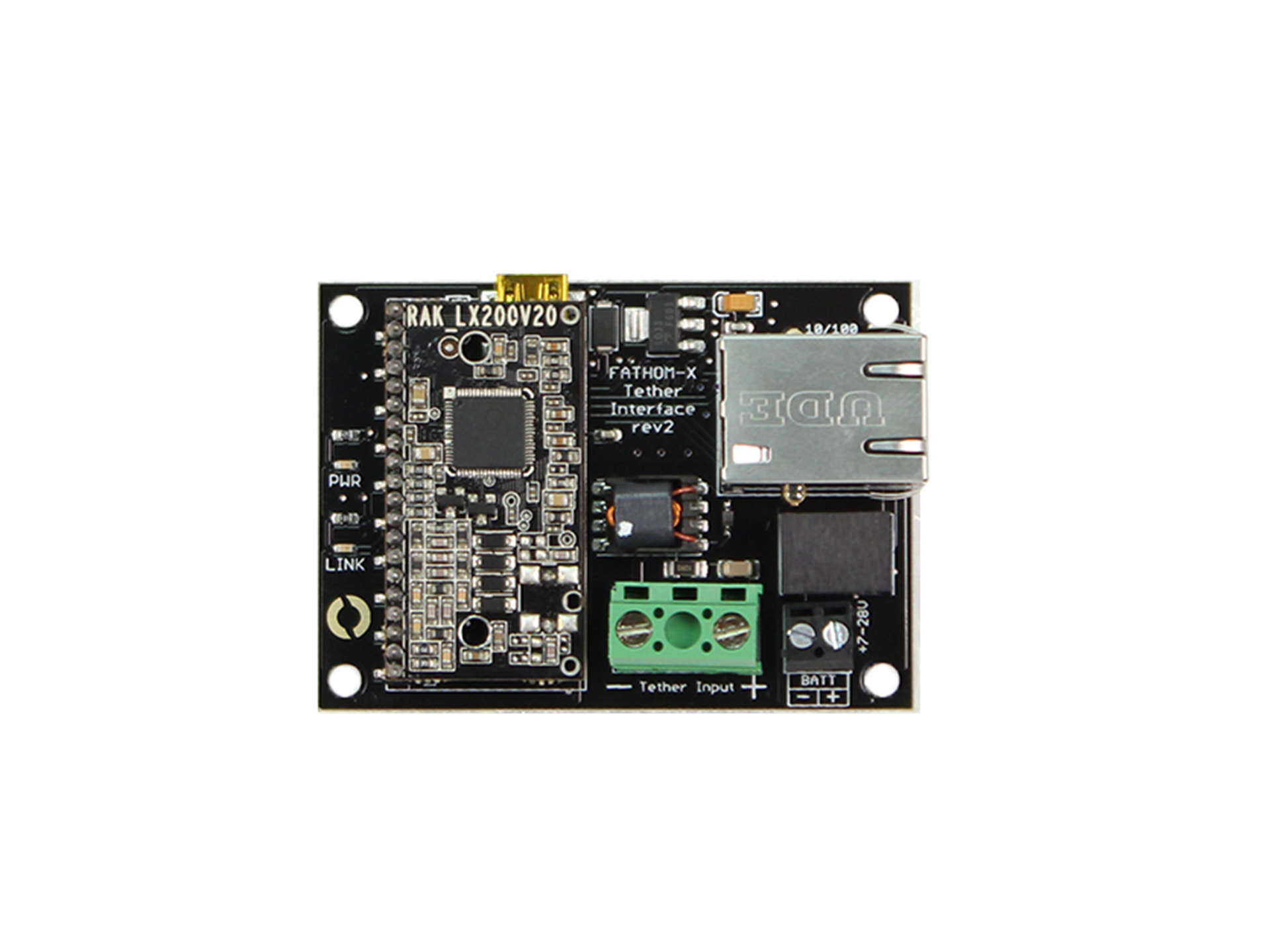
I am currently setting up a BlueROV2 system and am experiencing a persistent communication issue between the topside unit and the ROV. I would greatly appreciate your assistance in diagnosing and resolving this problem.
System Configuration
I am using the following hardware:
- BlueROV2 system
- Power Supply Unit: OTPS1KW-ASM-TOPSIDE-R2
- ROV Power Supply Bottle: OTPS1KW-ASM-ROV-R1
- Blue Robotics yellow tether cable of 300m long
- Laptop connected to the topside power supply unit using the USB-B port
Connection Setup
The system is connected as follows:
- The tether cable is securely connected between the ROV and the topside unit
- The topside power supply (OTPS1KW-ASM-TOPSIDE-R2) is powered ON
- The ROV power supply bottle (OTPS1KW-ASM-ROV-R1) is also powered ON
- Upon powering the ROV, I hear an initial beep followed by a second beep after a short delay
Observed Behavior
On my Windows 11 system:
-
Ethernet connection is detected at 100 Mbps
-
Network status shows as “Unidentified Network”
-
IPv4 connectivity shows “No Internet Access”
In Ethernet status:
-
Packets Sent: increasing
-
Packets Received: 0
-
I am unable to access BlueOS via browser (192.168.2.2)
-
QGroundControl consistently shows “Disconnected”
I have already attempted the following:
-
Restarted the entire system (ROV, topside unit, and laptop) multiple times
-
Verified and reconfigured static IP settings (192.168.2.1 / 255.255.255.0)
-
Reconnected all cables multiple times ensuring firm connections
-
Checked for any visible damage or looseness in connectors
-
Confirmed that the system powers on correctly each time

Current Condition
- Physical link appears established (100 Mbps shown)
- However, there is no incoming data from the ROV (0 packets received)