Hi,
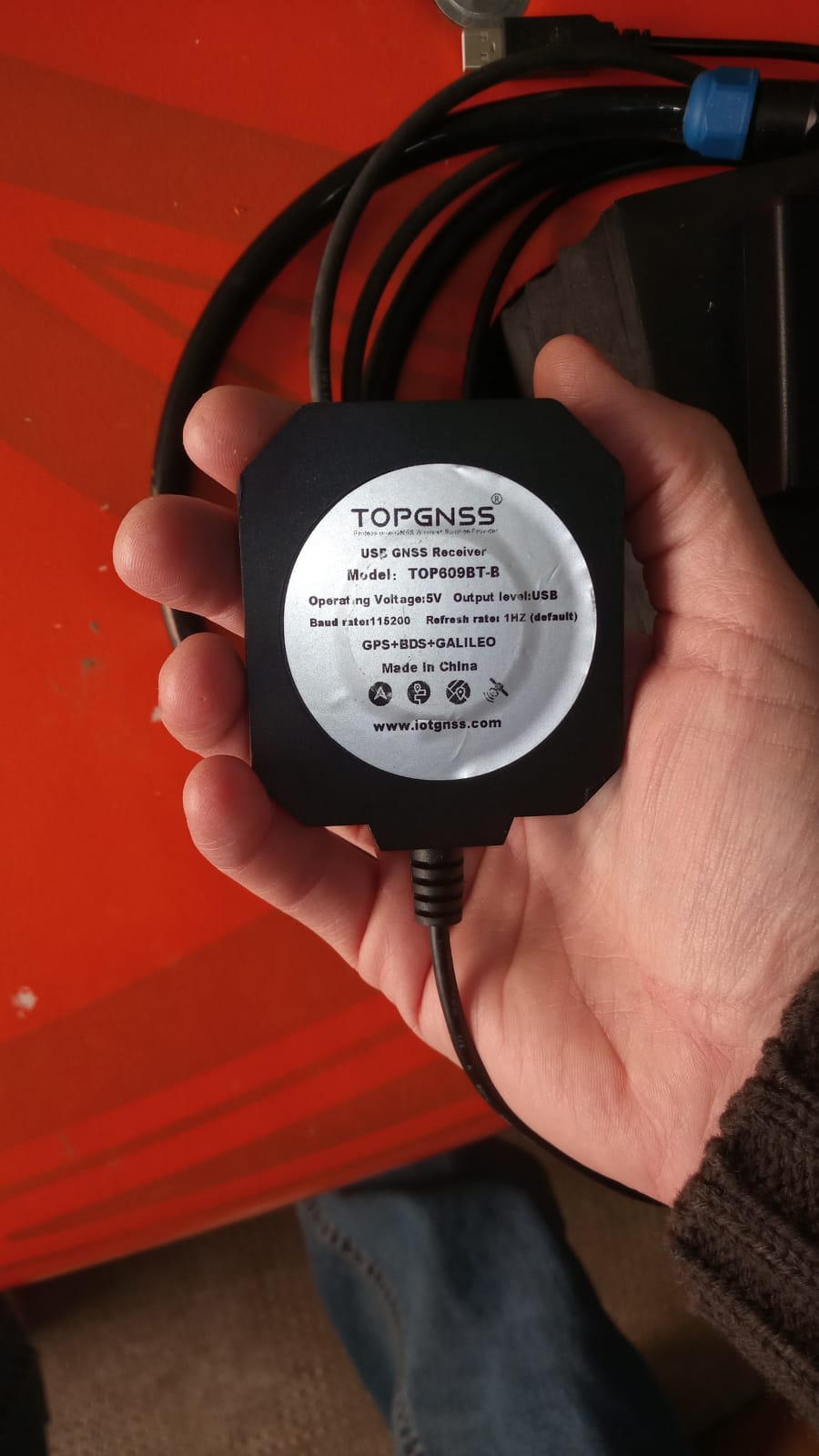
I need some important help to get my Ping sonar and GNSS working properly with BlueOS. I bought the Ping Sonar, the USB-to-Serial RS485 adapter, the Navigator with BlueOS, and the Raspberry Pi a few months ago, but I still haven’t been able to use this equipment for my goal: performing bathymetric surveys with an automatic log that includes the data from my GNSS antenna.
My intention is to start the system manually before launching my RC boat and controlling it manually (for now I’m not interested in using mission planning).
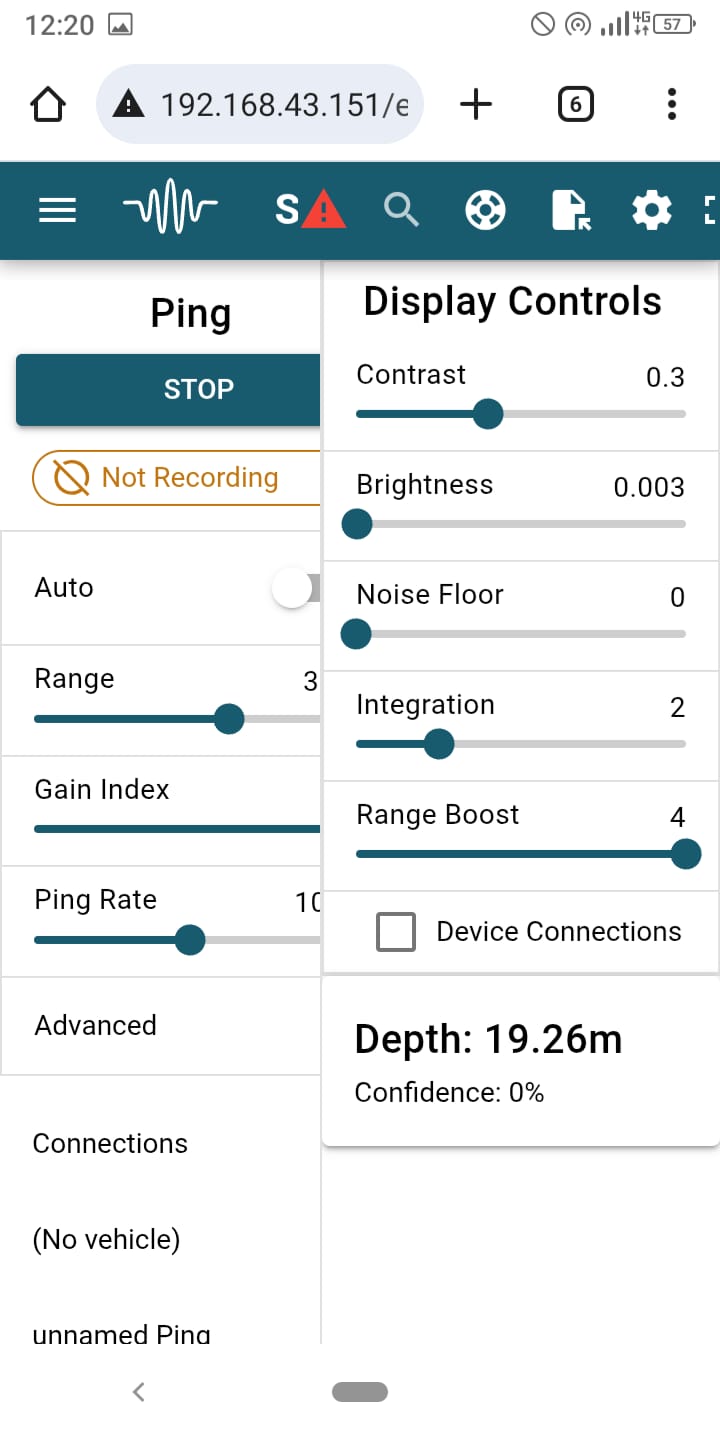
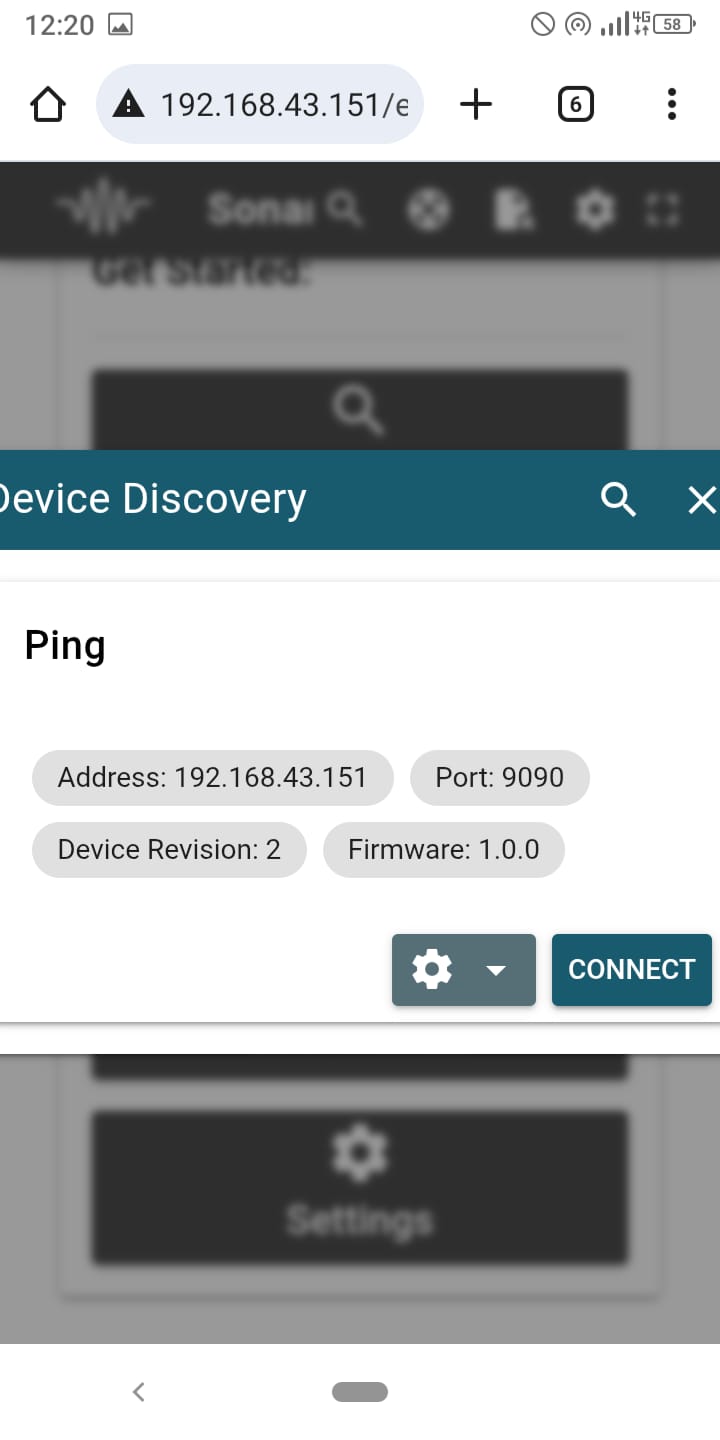
Based on how I wired everything and configured the port settings, the GNSS is detected correctly—when I open Cockpit, I see the boat’s position in real time, and in Sonar View I can read the real-time Ping sonar data.
What I’d like to ask is: what is the best way to achieve what I need?
How can I display and automatically record both data streams together?
Could you please explain the correct setup and in which section I should work (Cockpit, Sonar View, or another extension)?
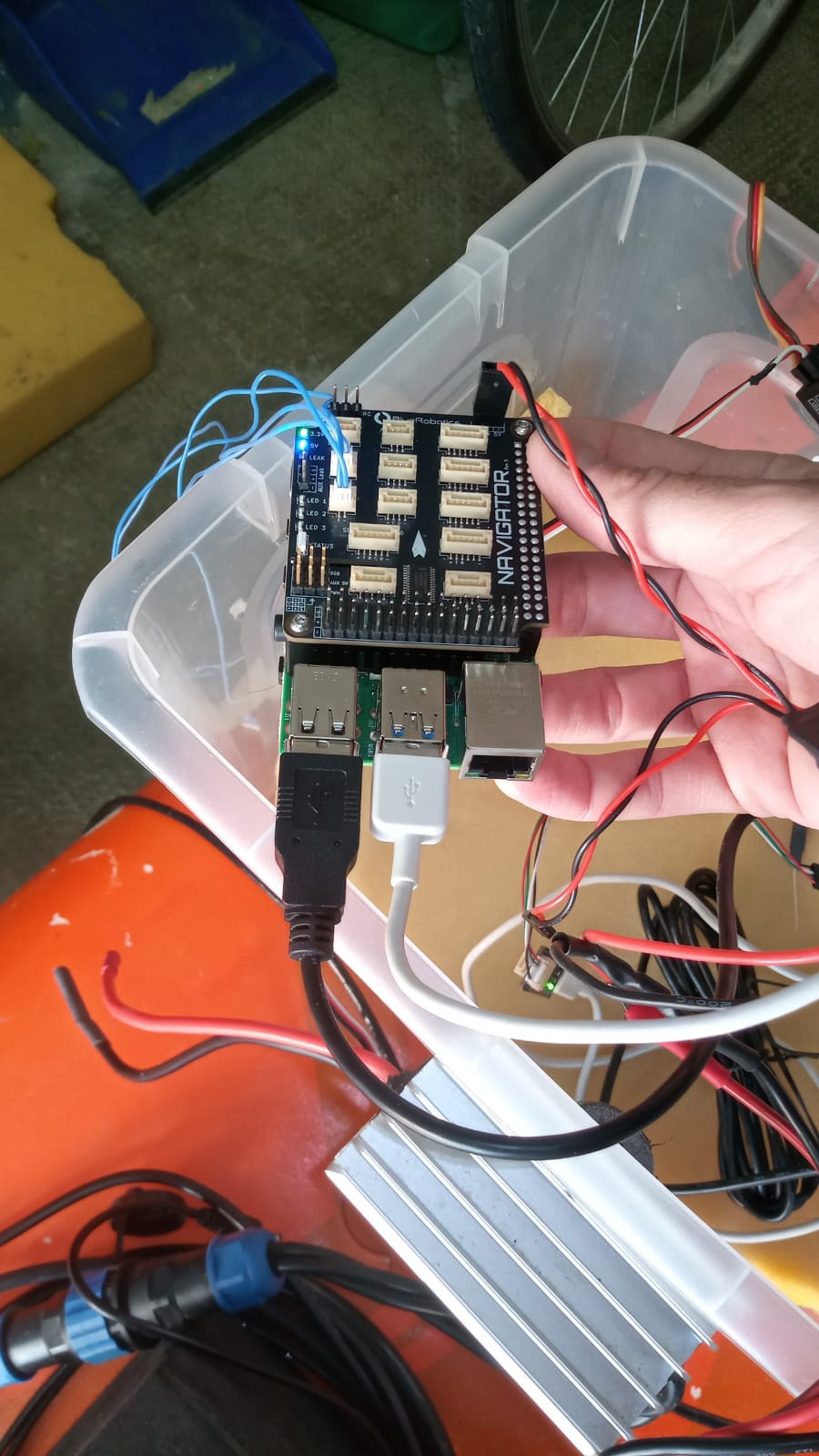
I’m attaching some photos to show how I wired the system. As you can see, both the Ping and the GNSS are connected via USB.
I would really appreciate any advice, because I need to start using this equipment as soon as possible, and I bought it specifically for this purpose.
Hi @baccigeo -
SonarView works to view the Ping data- however its logs won’t include position by default.
I developed the Simple Ping Survey extension for your application - logging depth and confidence alongside GPS position to a .csv file, while visualizing the data on a map. Simply install, and make sure you’ve enabled mavlink messages under the ping sonar devices menu. A full guide on the setup is here.
Hi Tony! Thanks for the quick reply.
I tried using Simple Ping Survey again, but even though I enabled MAVLink messages under the Ping Sonar Devices menu, I don’t see any data in the extension—not even after clicking START. Specifically, the map does not appear, so there is no position shown, and no data appears in the log at the bottom.
Could this be related to the parameters setting? Based on how I configured the connections (GPS and Ping connected via USB ports), could you suggest me how I should set the serial port and GPS parameters in the “Autopilot Parameters” section of BlueOS?
…because I still can’t understand why the Simple Ping Survey extension is not receiving either position or depth
Hi @baccigeo -
It sounds like you don’t have the GPS configured correctly- does your vehicle show up on the map in QGC or Cockpit?
If not, you’ll want to add the USB port to the autopilot, selecting it under serial 2 on the autopilot firmware page in BlueOS, in pirate mode. You can then set serial 2 function parameter to GPS, and GPS type to auto under autopilot parameters.
If you can share a screenshot of that configuration under autopilot parameters we can make sure it looks correct!
As for the Ping sonar, can you navigate to the available services menu in pirate mode, and check the mavlink2rest interface to verify you’re getting distance sensor messages? We need the autopilot to recognize the Ping is connected.