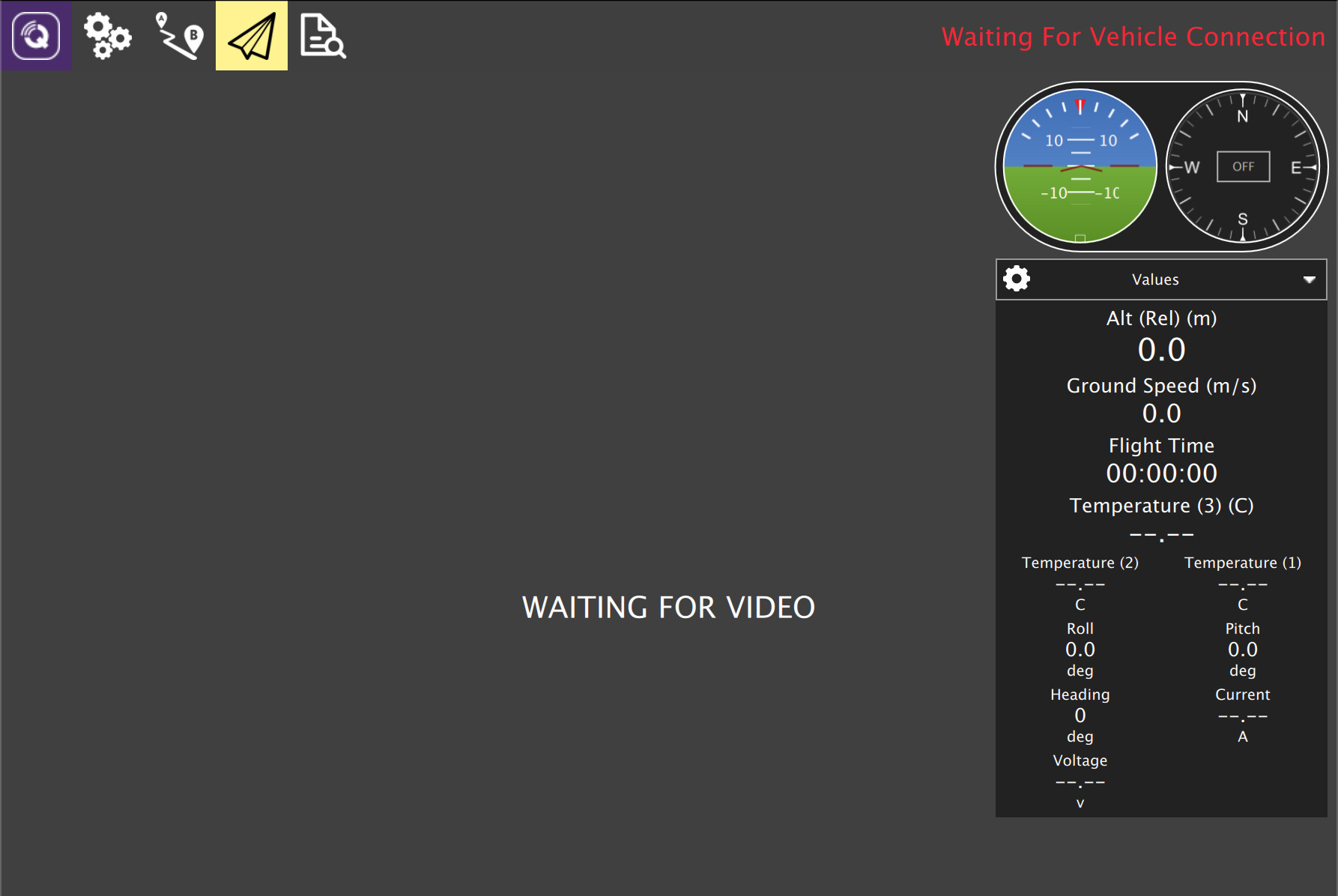
Sorry, my picture was showing the Summary tab, but for some reason the Firmware one was showing as highlighted in the side-bar. If you plug in the Pixhawk while you’re on the Firmware tab then yes, it goes into firmware flashing mode. Can you restarting QGC, then plug in the Pixhawk and see if it gets detected and loads as a flight controller?
Plug in Pixhawk - should be detected after a few seconds, and show the ArduSub logo in the top right corner, and some temperature data (if not, you should try re-flashing ArduSub onto the Pixhawk, from the firmware window in your last comment)
I just saw that your QGC version is very old, which I didn’t realise earlier - it may actually be required to update it to detect the newer ArduSub firmwares properly (and possibly to flash them on correctly to the Pixhawk as well - I’m not sure).
I would suggest you follow the full Software Setup Guide to get a suitable version of QGroundControl and make sure your network settings and other setup are all done correctly
Pixhawk does not work as expected, and the B/E light is still on.
The firmware is still not displayed in the companion web interface.
Updating QGroundControl to a newer version did not help the firmware update to work properly.
I discussed with some of our engineers, and given you’ve already tried flashing a new firmware most likely your Pixhawk has a hardware fault. I’d recommend you contact support@bluerobotics.com to discuss a potential replacement. It would be helpful if you could link to this thread, and provide the order number of your BlueROV2 if you can